Brokk’s Modernization Update: A Fresh UI, Faster Performance, and MCP Support
Brokk has just released one of its most significant updates so far, rethinking not only how the product looks but also how developers use it day to day.
Brokk has just released one of its most significant updates so far, rethinking not only how the product looks but also how developers use it day to day. The result is an environment that feels easier to approach, more capable of handling serious projects, and flexible enough to fit into the way you already work.
The first thing you will notice is the new interface. The entire layout has been refreshed with a cleaner, more modern design. Instructions are no longer hidden behind complex phrasing and now feel straightforward and intuitive. Conversations are continuous, so you can scroll back through previous replies without breaking focus while new ones arrive in real time. Even the buttons have been given a more polished look, making the whole workspace feel intentional rather than purely functional.
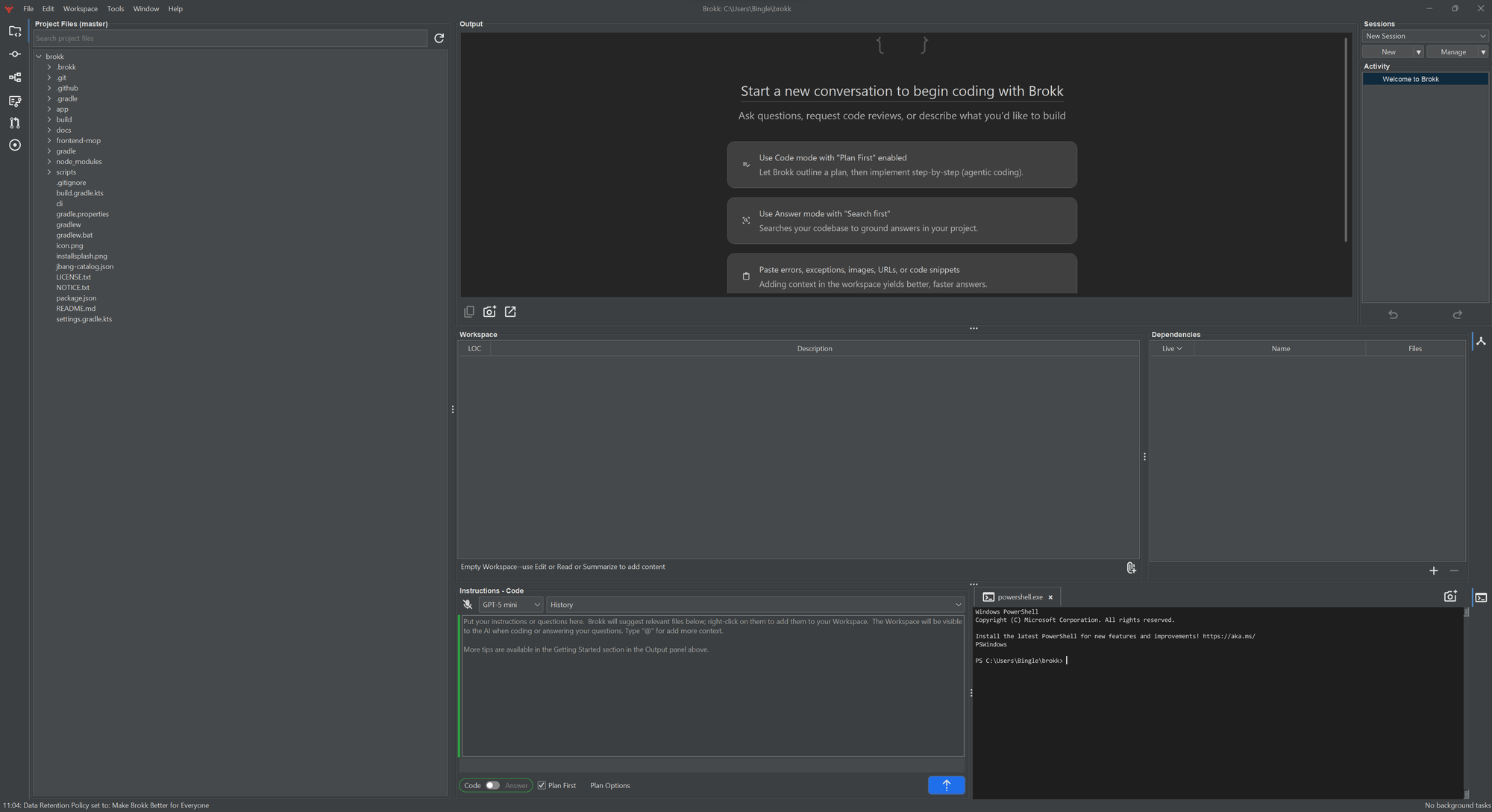
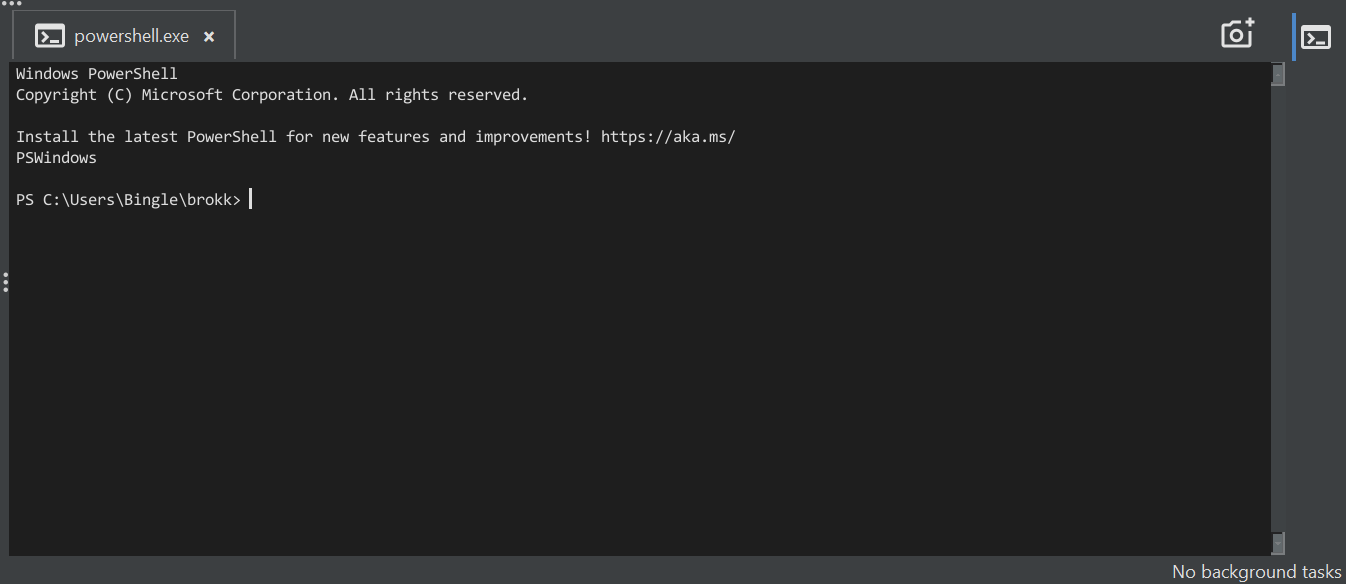
Another standout change is the Terminal. Instead of “Run in Shell,” you now have a collapsible Terminal panel that lives right next to Instructions. It is always available when you need it and can be opened on the right side of the screen by clicking the Terminal icon. This simple addition makes it much easier to test commands and check outputs without losing your place. On Linux, the improved HiDPI support also makes Brokk look sharp and crisp on high-resolution displays, a welcome change for developers who spend hours staring at code.
If you have been using Brokk for a while, you will also notice that older features have been carefully mapped to the new model. “Architect” is now called “Code + Plan First,” while “Code” has become “Code – Plan First.” “Search” has been reworked as “Answer + Search First,” and “Ask” is now “Answer – Search First.” Deep Scan has moved into the Tools menu under “Scan Project,” and the old Run in Shell workflow is now handled by the Terminal panel. These updates preserve what you already know, but the naming and structure feel much more natural and easier to navigate.
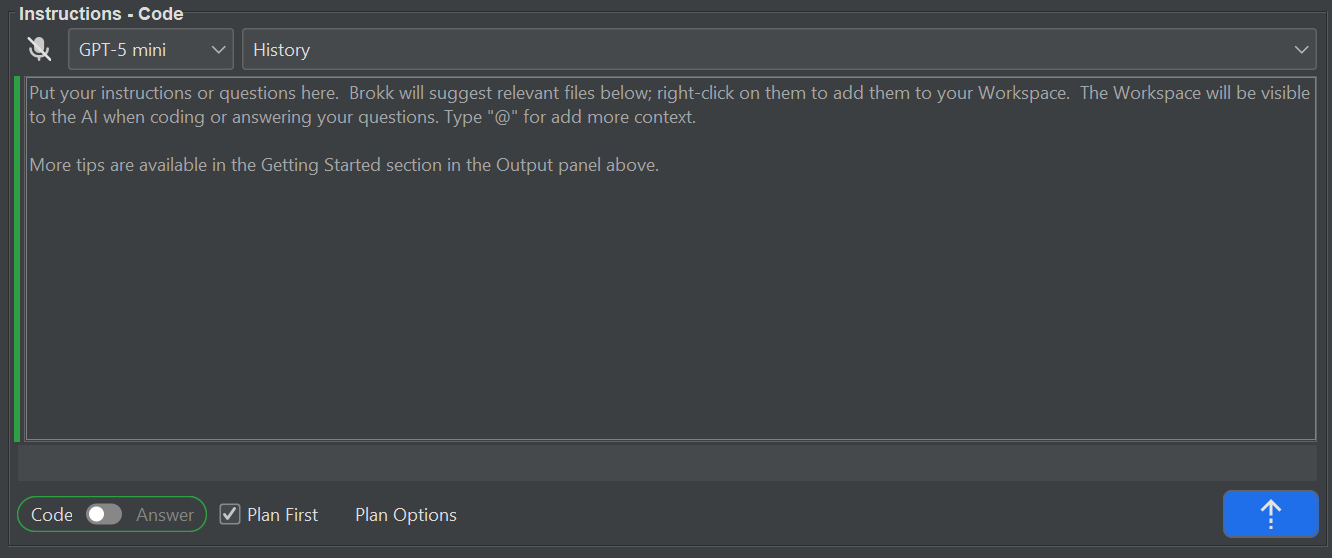
Brokk also makes it simpler to bring project context into your workspace. You can now attach files with a new paperclip button, drag and drop directly from your project, or continue using the workspace menu and keyboard shortcuts if you prefer. The experience of telling Brokk what matters most in your codebase is now smoother and more flexible, letting you shape context in the way that best suits your workflow.

Language support has expanded as well. In addition to Java, Brokk now provides one-click imports for JavaScript, TypeScript, Python, and Rust. For Java in particular, performance has taken a major step forward. Brokk’s code intelligence can now handle extremely large projects, such as importing NetBeans with more than five million lines of code, all on a laptop with 16 GB of RAM. This makes it possible to bring Brokk into enterprise-scale projects that were once too heavy for AI tools to manage effectively.
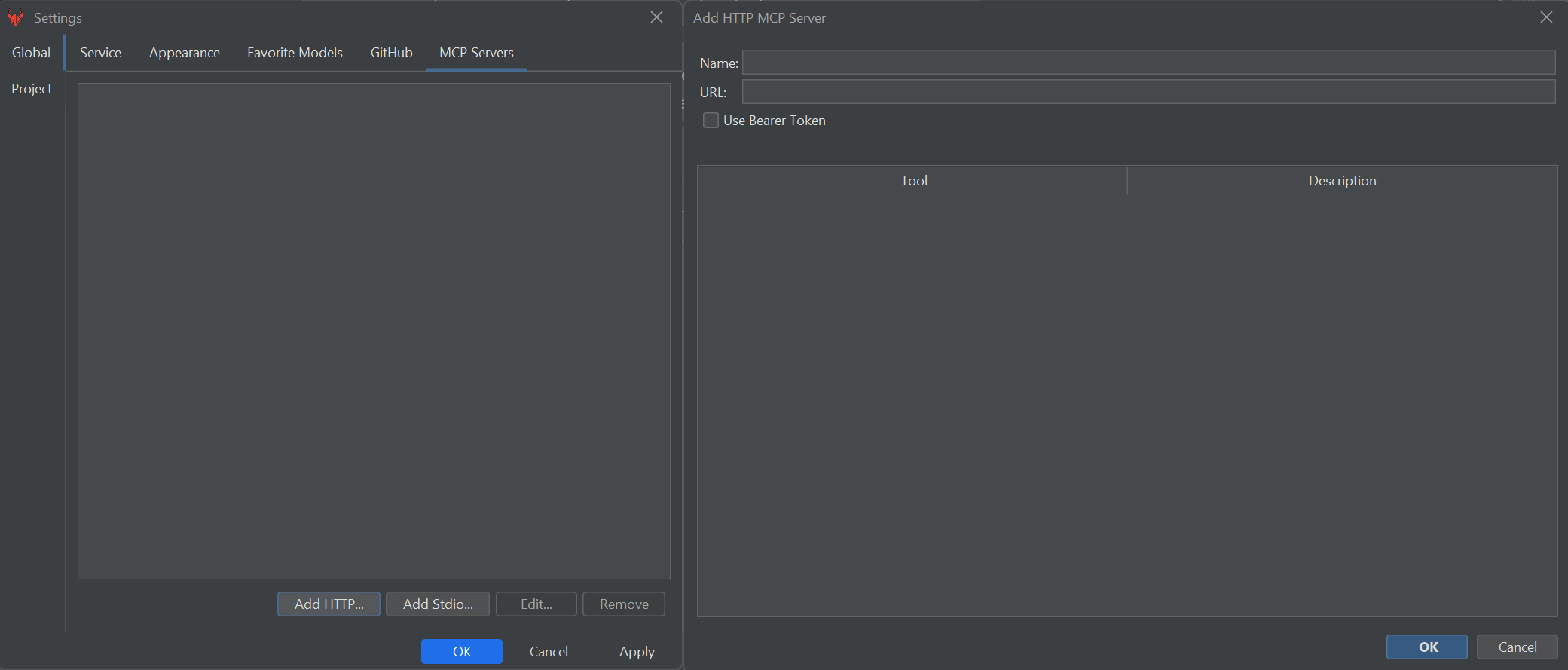
Finally, this release introduces MCP client support, which allows Brokk to be extended with MCP tools. MCP is quickly becoming one of the most talked-about concepts in developer tooling, and while it deserves its own deep dive, the important takeaway is that Brokk is now ready to grow alongside it. This new layer of extensibility opens the door to workflows and integrations that reach well beyond what is built in today.
All of these updates add up to more than just a visual refresh. They represent a thoughtful reworking of how an AI-driven development environment should feel: approachable for newcomers, powerful enough for experts, and capable of scaling to meet the demands of real projects.