
MCP Client Support
Using MCP Servers in Brokk
Brokk now supports MCP (Model Context Protocol) servers, giving you more flexibility in connecting external tools, services, and workflows directly into your AI coding assistant.
With MCP integration, you can connect to both HTTP-based MCP servers and Stdio-based MCP servers depending on your setup.
Accessing MCP Settings
- Open Brokk.
- Navigate to:
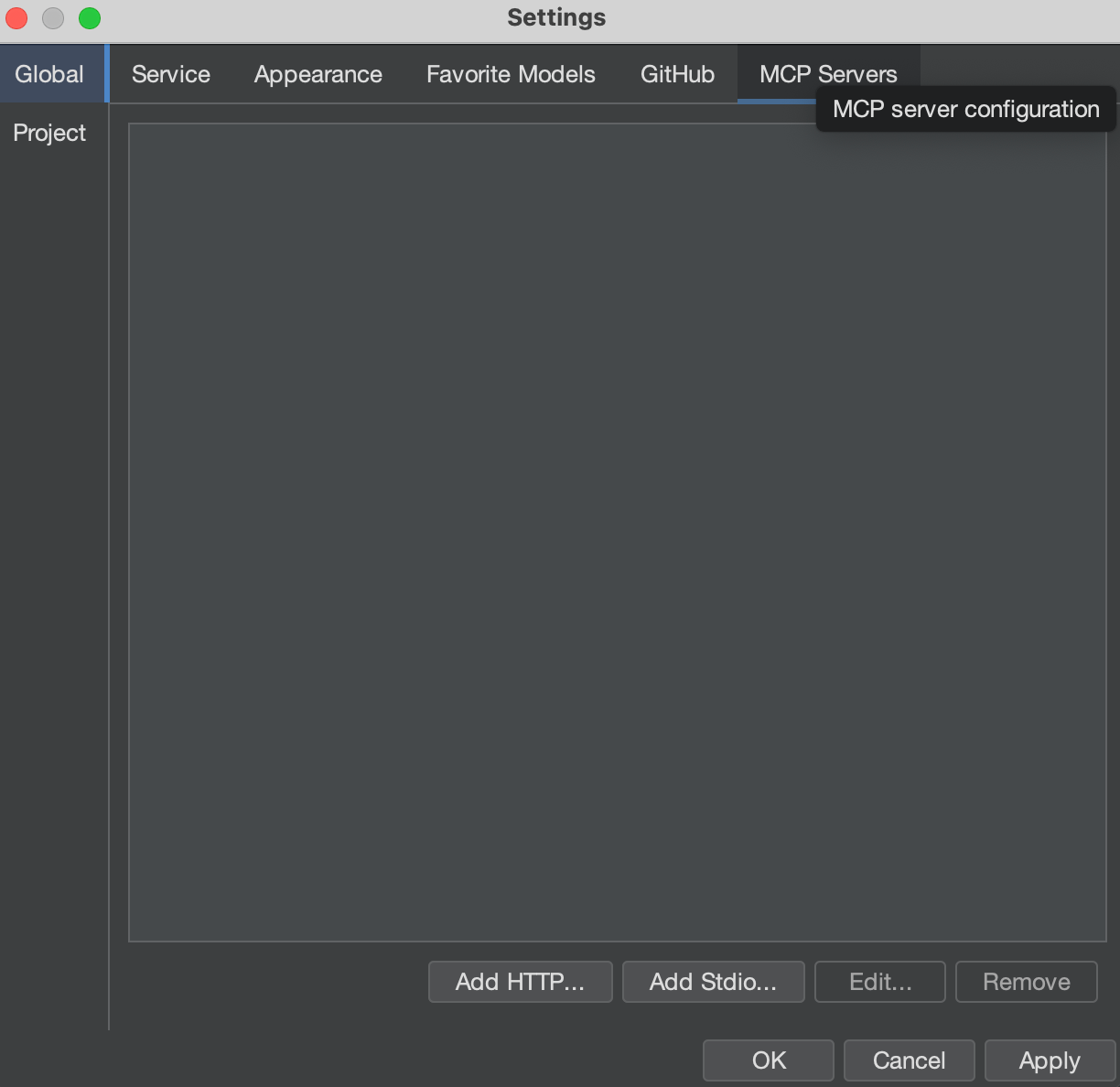
File → Settings → Global - In the settings menu, open the MCP Servers tab.
Here you will see the list of currently configured MCP servers, along with controls for adding or modifying them.
Adding an MCP Server
- In the MCP Servers tab, click Add HTTP or Add Stdio.
- HTTP → For remote/network-accessible MCP servers.
- Stdio → For local MCP servers that communicate over standard input/output.
- Enter the connection details required for your MCP server type.
- Save your changes.
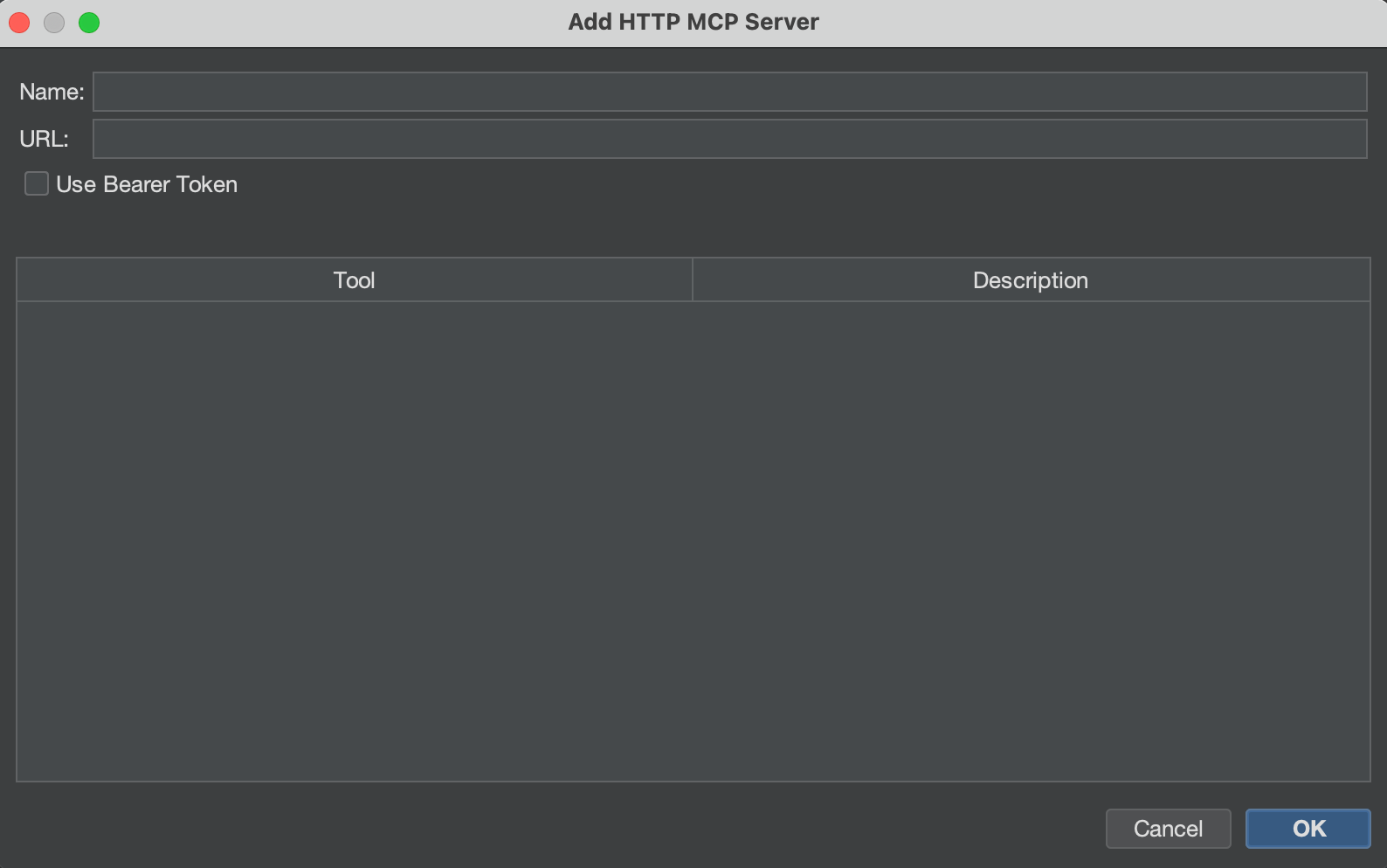
Your new MCP server will now appear in the list and be available to Brokk.
Example Use Cases
- HTTP MCP: Connect to a remote service exposing additional code intelligence or workflow integrations.
- Stdio MCP: Run a local toolchain or custom service that Brokk can interact with as if it were part of the application.
Next: FAQ