Pull Requests in Brokk
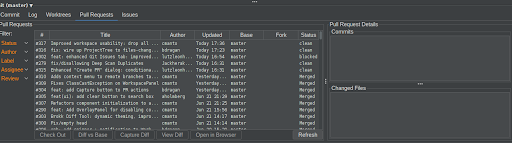
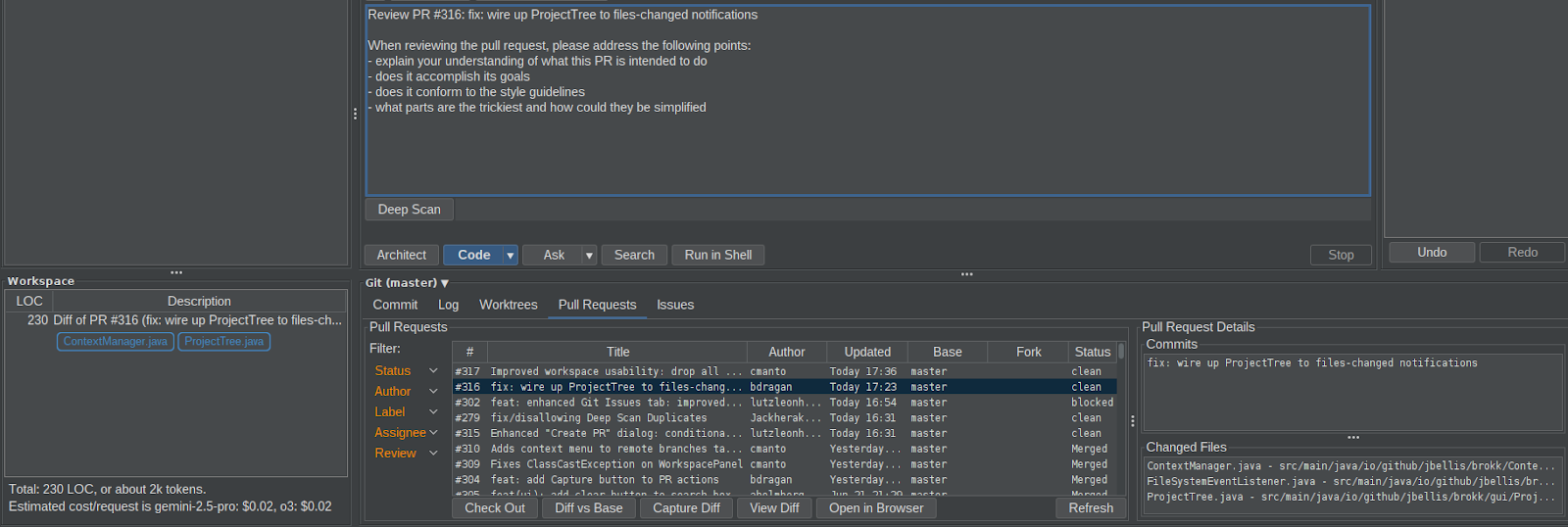
The Pull Requests tab in Brokk shows PRs from your project’s GitHub repository. (If the repo isn’t on GitHub, this tab won’t appear.)
Key Features
-
Unified PR List
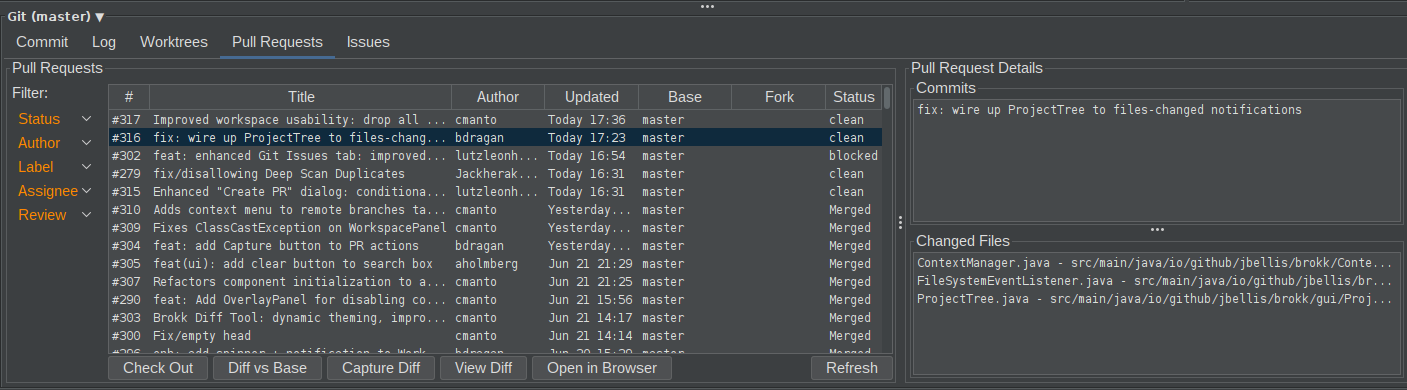
View all pull requests for the repository in a single, scrollable list. -
Filters
Narrow down PRs by Status, Author, Label, Assignee, or Review State. -
PR Details Pane
Selecting a PR displays its Commits and Changed Files in the right-hand panel.
Actions on a Selected PR
-
Check Out Branch
Instantly switch your local workspace to the PR’s branch with a single click. -
Generate Diff
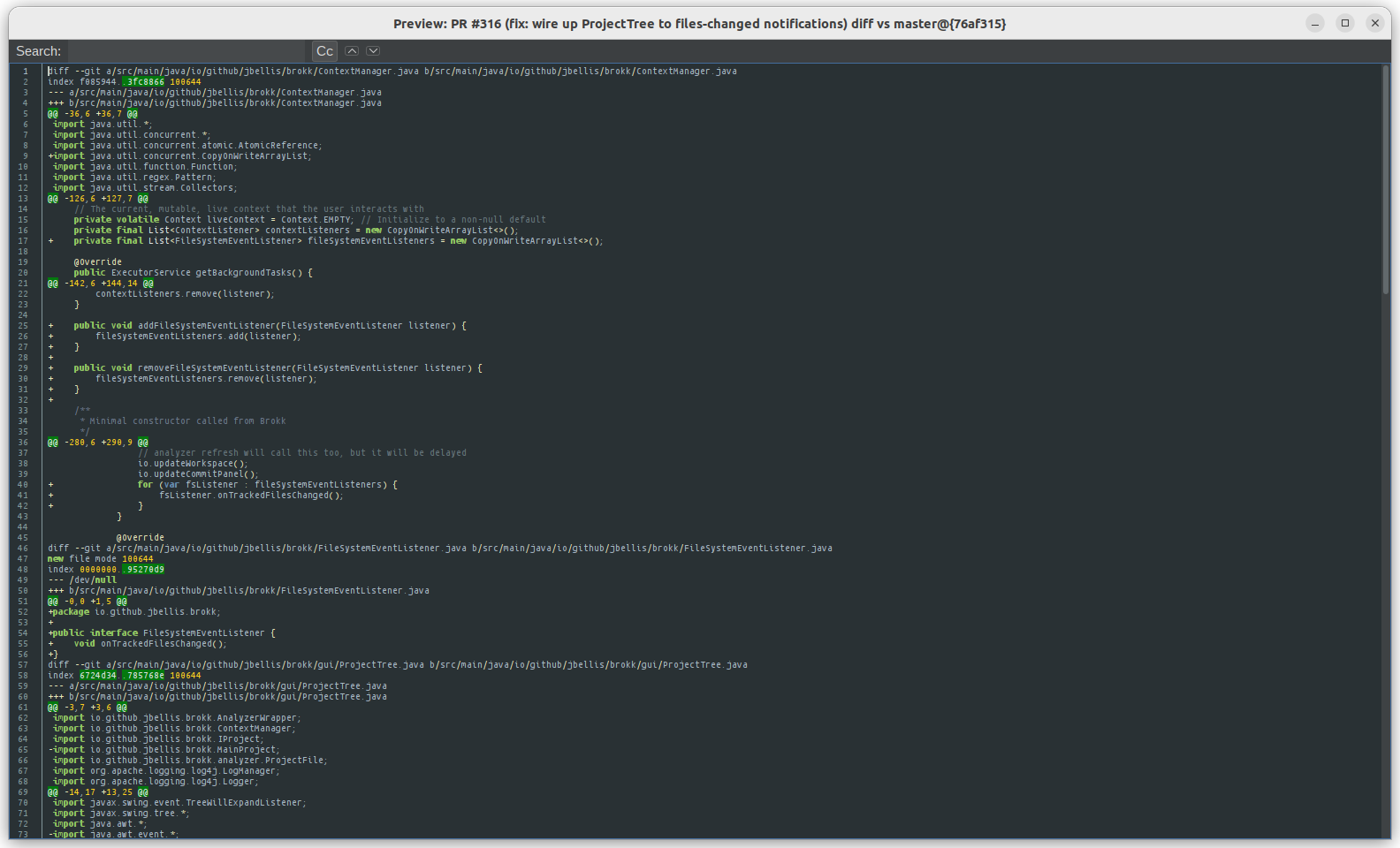
Create a plain‑text diff against the base branch and open it in the preview panel.
- Capture Diff
Capture the PR diff into your Brokk AI context so the LLM can review or summarize it. (Configurable review instructions are auto‑populated.)
- Side‑by‑Side Diff
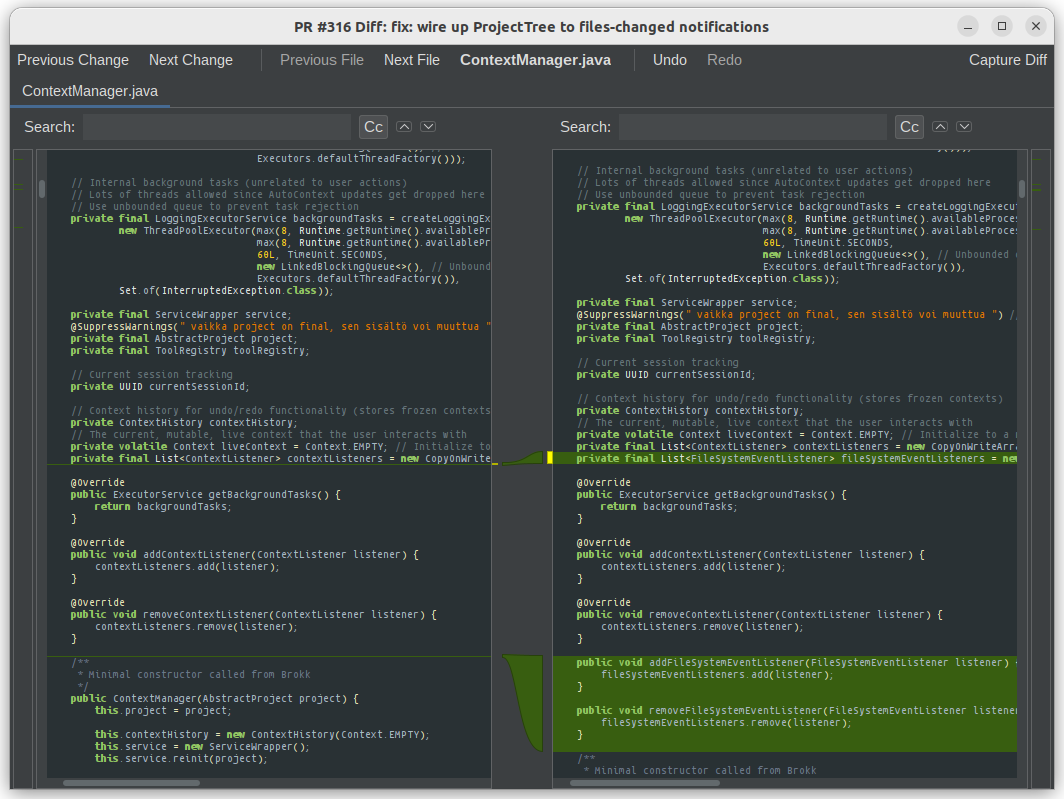
Open a full, graphical side‑by‑side diff viewer for each file changed in the PR.
- Open in GitHub
Launch the PR directly in your web browser.
Video Guide
0:00
/2:47
Next: Creating a PR