
What's new in Brokk 0.23
The headline feature in Brokk 0.23 is that we are making it easy to use Brokk from your environment of choice. Besides the classic Brokk Desktop, we've added a TUI, a VSCode plugin, an IntelliJ plugin, and a Zed plugin, and we've brought OpenAi oauth to all of them.
OpenAI OAuth
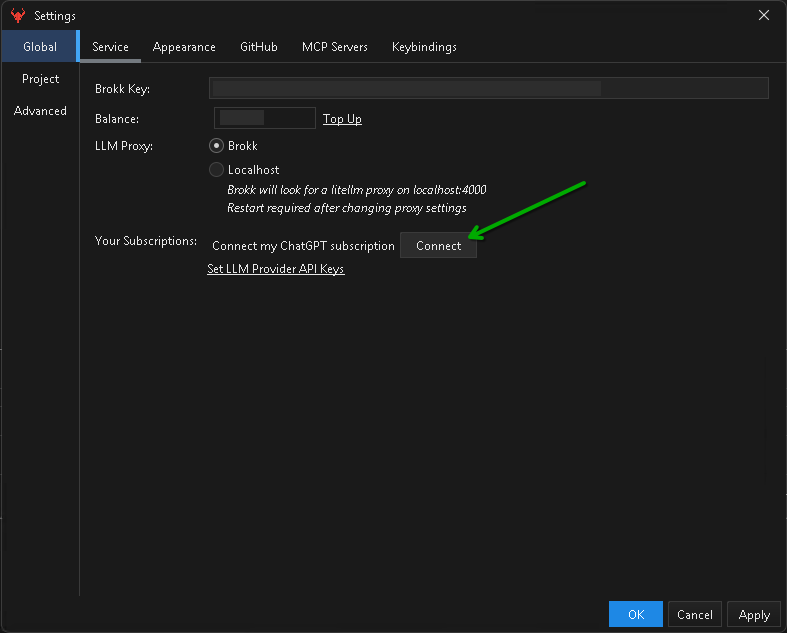
This is the approved-by-OpenAI way to use your ChatGPT subscription with tools like Brokk. Click on Connect from the settings in Brokk Desktop, or execute /login-openai from the TUI. Brokk will configure itself to prefer the free-with-your-openai-subscription models; of course, you can still use other models as well. More details in our standalone post here.
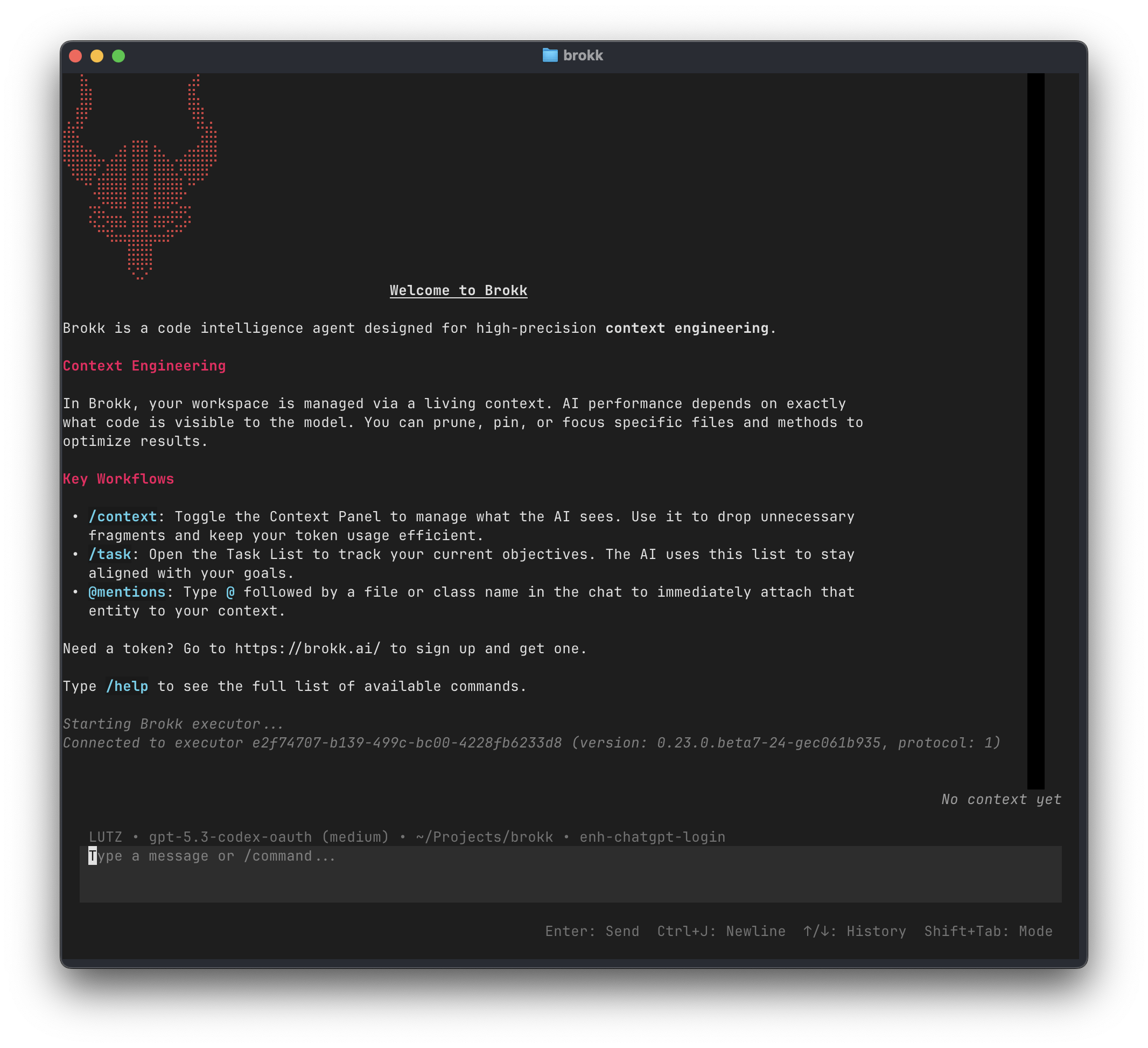
Brokk TUI
Want to run Brokk in your terminal? pipx install brokk and you're good to go. More details (including how to install pipx) are found in the docs.
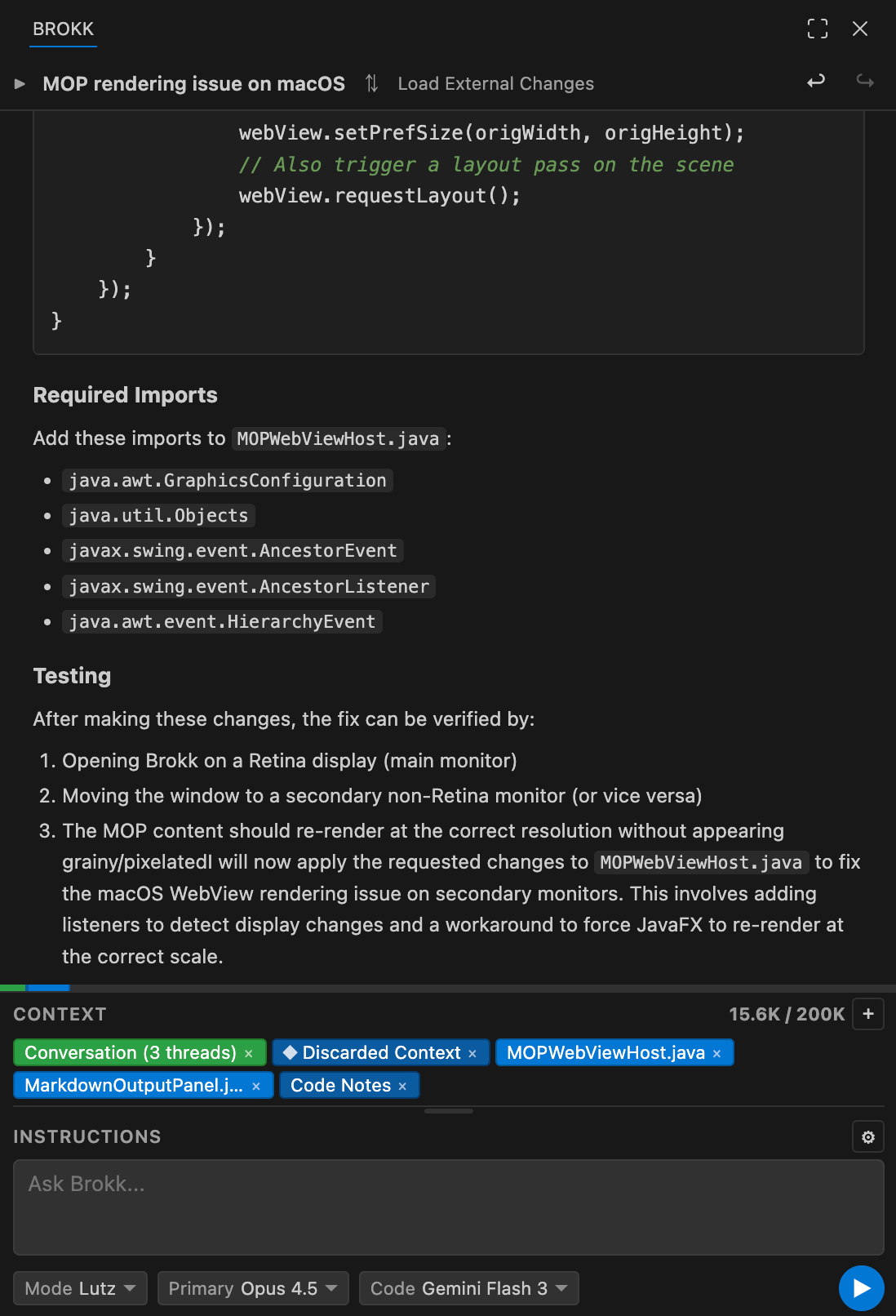
Brokk for VSCode
You can install the Brokk VSCode extension from the VSCode Marketplace. Full docs can be found here.
Brokk for IntelliJ and Zed
After installing the Brokk TUI, run brokk install intellij or brokk install zed. Then follow the respective docs on setting up Brokk as an ACP agent.